Youtuber Tycoon Controls
Move, record, aim, and unstick on PC, console, and phone.
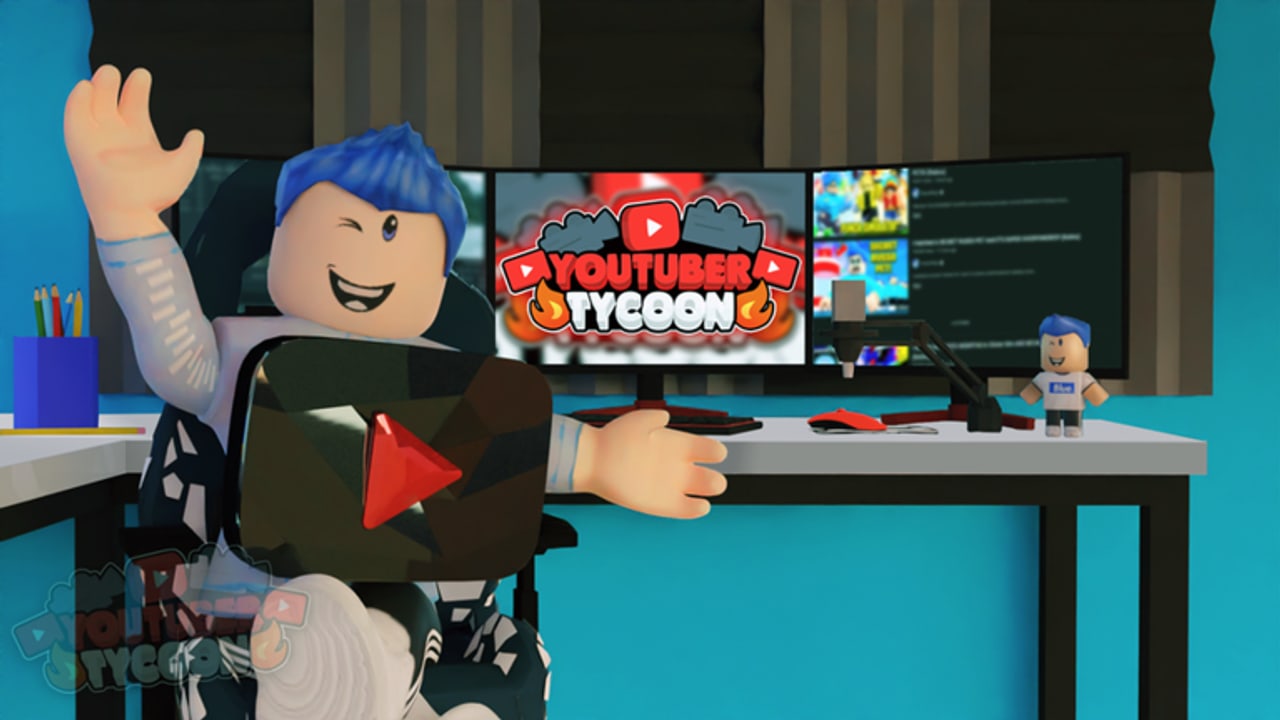
Youtuber Tycoon uses default Roblox movement plus proximity prompts for recording and shop buttons. There is no hidden combo that prints cash. If a pad will not start, the usual cause is distance, a cooldown, or standing on a pre-remake conveyor square that no longer exists. Pair this page with getting started for the first ten minutes and how to record for the filming loop.
Official experience: Youtuber Tycoon on Roblox by Shiny Pixels. Servers hold eight players, so camera fights and raid tools share the same keys as recording.
Default PC keys
| Action | Default |
|---|---|
| Move | WASD |
| Jump | Space |
| Interact / record / buy | E or the on-screen proximity prompt |
| Camera look | Right mouse drag |
| Zoom | Mouse wheel |
| Shift lock | Left Shift |
| Roblox menu | Esc |
| Emotes / backpack | Roblox default (often . and ~) |
Shift lock helps when you need to keep the camera on a neighbor during a raid. It is optional for a three-pad recording loop. If you prefer free camera, leave Shift lock off so you can look at the next pad while you still walk.
Console and mobile
Thumbstick to move, A / jump button to jump, the on-screen button that appears near a pad to record. Drag the right side of the screen to look. Zoom with pinch on mobile. The remake rebuilt several billboards; if the prompt never appears, walk until your avatar overlaps the pad, then wait a half second. Sprinting past a prompt is the most common miss on phone.
There is no separate “codes” key. If you expected a Redeem field, read the Codes Hub. Shiny Pixels has not published a working list as of November 2026.
Recording prompt
Walk into the highlight until the prompt reads record, film, or camera. Press interact once. The clip starts earning views while the pad goes on cooldown. Stay still for the press; mashing E while strafing cancels the prompt on some devices.
If nothing happens:
- You are still on cooldown — go to another pad. See the map guide.
- You are too far. Step onto the marker, not the nearby furniture.
- Tutorial has not finished. The remake hides some prompts until the intro ends.
- You loaded the wrong tycoon. Confirm Shiny Pixels and place 7971857341.
The video on this page is a floor-by-floor walk of an older Elevator-title session of the same place ID. Use it to see how prompts sit on each storey. Current live play uses the remade map, so treat the floors as a HUD lesson, not a copy-paste route.
Combat and raid keys
After the Weapons Revamp, tools equip from the hotbar like any Roblox gear. Click or tap to swing. The weapons tier list ranks what to buy; this page only covers input. Do not bind record and attack to the same muscle memory — a panicked click on a filming pad wastes the cooldown and does not hit the raider.
Owner-only doors still use the interact key. Close them before you leave the plot. Details sit on how to protect.
Camera and HUD clutter
The remake added denser interiors. If you cannot see a pad, zoom out one notch and raise the camera. Shift lock plus a high camera is enough to spot roof pads. On mobile, rotate until the prompt peeks over furniture instead of walking in circles.
Leaderboard, cash, and channel XP sit in the default tycoon HUD. They are not extra buttons. Views tick in the background after a take; you do not hold a key to “collect views” the way old conveyor tycoons collected droppers.
Stuck, frozen, or falling
- Reset character from the Roblox menu if you clip into a wall. You keep the plot.
- If the world is empty, you may have failed to claim. Rejoin and claim again from getting started.
- Elevators from the old
[ELEVATOR]title prefix still appear in older videos. On the remade map, use stairs and marked lifts if they exist; do not hunt a missing shaft from 2024 footage. - Vehicles, when you own one, use the same enter prompt as a pad. Exit before you try to record. Sitting in a car on a pad often blocks the film prompt.
Settings worth changing
Graphics quality can drop indoors after the denser remake. Lower it if prompts hitch. Mouse sensitivity is personal; too high makes roof pads easy to overshoot. UI scale on mobile should leave the interact button unobstructed by the jump button.
Join the Shiny Pixels group from the Roblox app, not from an in-game hotkey. Group rewards, when they exist, grant on join rather than from a keyboard shortcut — see how to redeem.
First-session control checklist
- Move, jump, and look feel normal.
- You can trigger at least one record prompt on purpose.
- You know how to open Esc and reset if you clip.
- You are not hunting a codes box.
- Next stop is the map so the keys have somewhere to go.
Play: Youtuber Tycoon on Roblox. More tutorials: Guides Hub.
Frequently Asked Questions
Quick answers for Youtuber Tycoon on Roblox.
What key records a video in Youtuber Tycoon?
The proximity prompt (E on PC, on-screen button on mobile/console) while you stand on a filming pad. There is no separate record key.
Why will the record prompt not appear?
You are off the pad, still on cooldown, or the tutorial is unfinished. Step closer, rotate to another pad, or finish the intro.
Does Youtuber Tycoon have unique keybinds?
No. Movement is default Roblox. Recording, buying, and doors all use the interact prompt.
Can I play with a controller?
Yes. Use the thumbstick to move and the on-screen / A-button prompt to record. Camera is the right stick.