Youtuber Tycoon Guides
Record, grow, and defend a channel on Shiny Pixels' remade map.
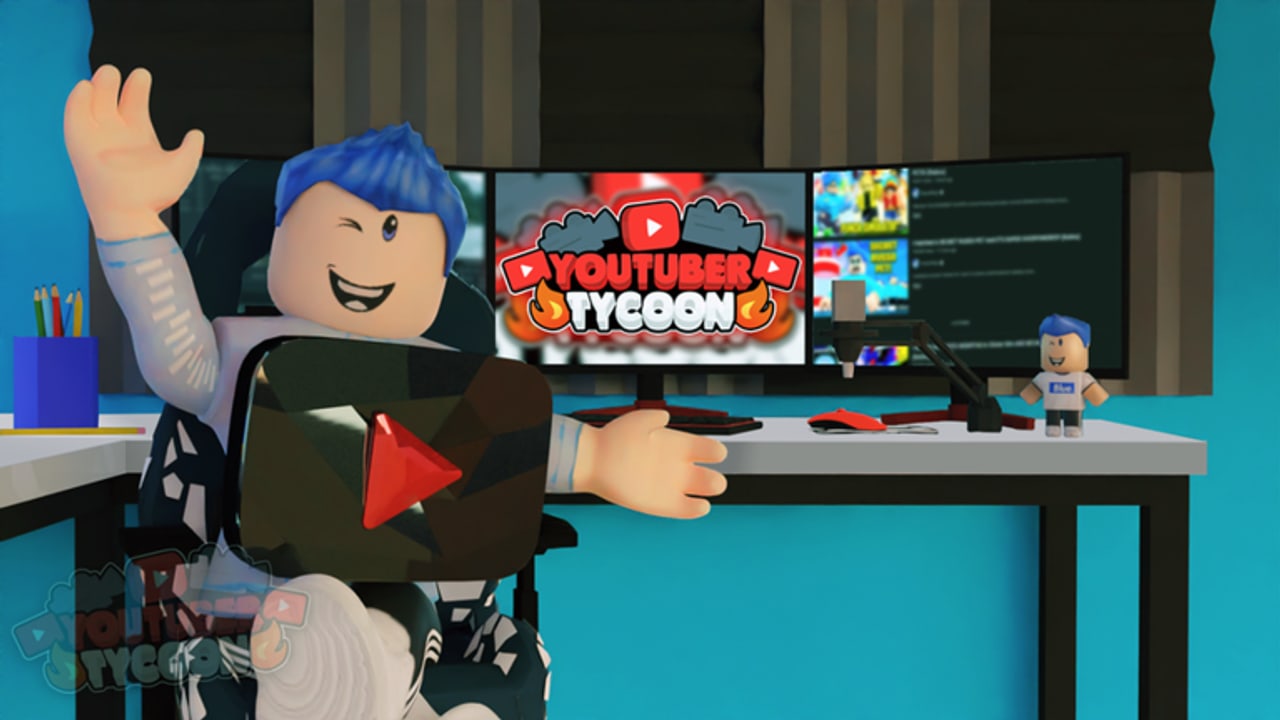
This hub is the map of every tutorial on the wiki. Youtuber Tycoon looks simple — claim a plot, press record — but the remake changed the loop. Old dropper guides will waste your first hour. Use these pages instead.
Start here
- Getting Started — join, claim, tutorial, first upgrades, and why your old save is gone.
- How to record videos — filming spots, cooldowns, and a loop that keeps views arriving.
- How to grow your channel — what to buy with cash, how channel level unlocks content types, and when vehicles help.
- How to protect your tycoon — Weapons Revamp, raids, doors, and what to do before you AFK.
- Game controls — WASD, record prompts, mobile HUD, and how to unstick.
- Map and filming spots — remade layout, ten-minute scout, roofs, and a three-pad cluster.
- Arcade and group rewards — in-room minigames, follower boost, and the Shiny Pixels group grant.
- Vehicles and cars — when a car helps on the remade map and when it wastes cash.
- When progress stalls — checklist for frozen channel XP, idle cash, and remake confusion.
New players should run Getting Started, then Record, then Map. Controls is the input cheat-sheet. Arcade only matters when that event tile is live. Vehicles come after cameras. If XP stops moving, open When Stuck before you buy another couch. Returning players who remember conveyors should still read Getting Started; the full remake wiped dropper data and replaced the map.
The PC nav dropdown shows the first eight guides and links the rest through this hub — open the full list here anytime.
How the loop actually works
Everything still converts into two numbers: cash and channel XP. You record at a filming spot. The clip earns views. Views pay cash and XP. XP raises channel level, which unlocks more valuable content types. Cash buys better cameras, PCs, rooms, and (after the Weapons Revamp) tools you use to hold the plot. Furniture and plants are optional flavour — they do not replace a second filming pad.
The map is no longer a row of identical tycoons with a conveyor down the middle. Spots are spread out. Each pad goes on cooldown after a take, so camping one camera is the slowest possible plan. A three-spot rotation beats a single maxed desk. Details live on how to record.
Pair guides with rankings and events
Guides tell you how. Tier lists tell you what to buy first:
- YouTuber tier list if the selection screen still lets you pick a creator skin or kit.
- Weapons tier list before you dump cash into a raid loadout.
- Players hub for the roster and how character picks interact with recording.
- Events hub for arcade, vampire sword, and mansion windows.
If income is the bottleneck, skip cosmetics and read channel growth. If other players keep walking into your studio, skip growth and read how to protect. If nothing moves at all, read when stuck.
Codes, scripts, and updates
There are no working codes at the moment. Do not pause a recording session to hunt VIRALVIDEO. If you still want automation, the scripts hub and Rip Hub pages describe auto-edit and money tools, including the ban tradeoff. Patch context sits on the updates hub, the Weapons Revamp notes, the mansion update page, and the roadmap.
Suggested first hour
- Claim a plot and finish the tutorial (getting started).
- Walk the map once and mark every filming pad (map guide plus how to record).
- Spend the first cash pile on recording power, not walls (channel growth).
- Buy a door or a cheap defensive tool before you go AFK (how to protect).
- Join the Shiny Pixels group, play the arcade if that tile is on, and bookmark official links.
Play on the official experience: Youtuber Tycoon on Roblox. Servers hold eight players, so the guides assume online neighbors even if you prefer to grind solo.
Frequently Asked Questions
Quick answers for Youtuber Tycoon on Roblox.
Which Youtuber Tycoon guide should I read first?
Start with Getting Started, then How to record and the map guide. Growth, protection, controls, arcade, vehicles, and When Stuck come after the first loop.
Do old dropper tutorials still work?
No. Shiny Pixels rebuilt the game. Conveyor and dropper steps do not apply to the current map. Use the remake guides on this hub.
Where are codes and scripts?
Codes live on the Codes Hub (empty as of November 2026). Scripts live under Scripts, separate from these play guides.