Codes
Youtuber Tycoon codes in Nov 2026: no working promo codes, scam warnings, and real ways to earn cash on Roblox.
View all CodesCodes, scripts, weapon tiers, and recording guides for Shiny Pixels' Roblox tycoon.
Unofficial wiki for Youtuber Tycoon on Roblox: codes, scripts, recording routes, weapon tiers, and Shiny Pixels remake notes.
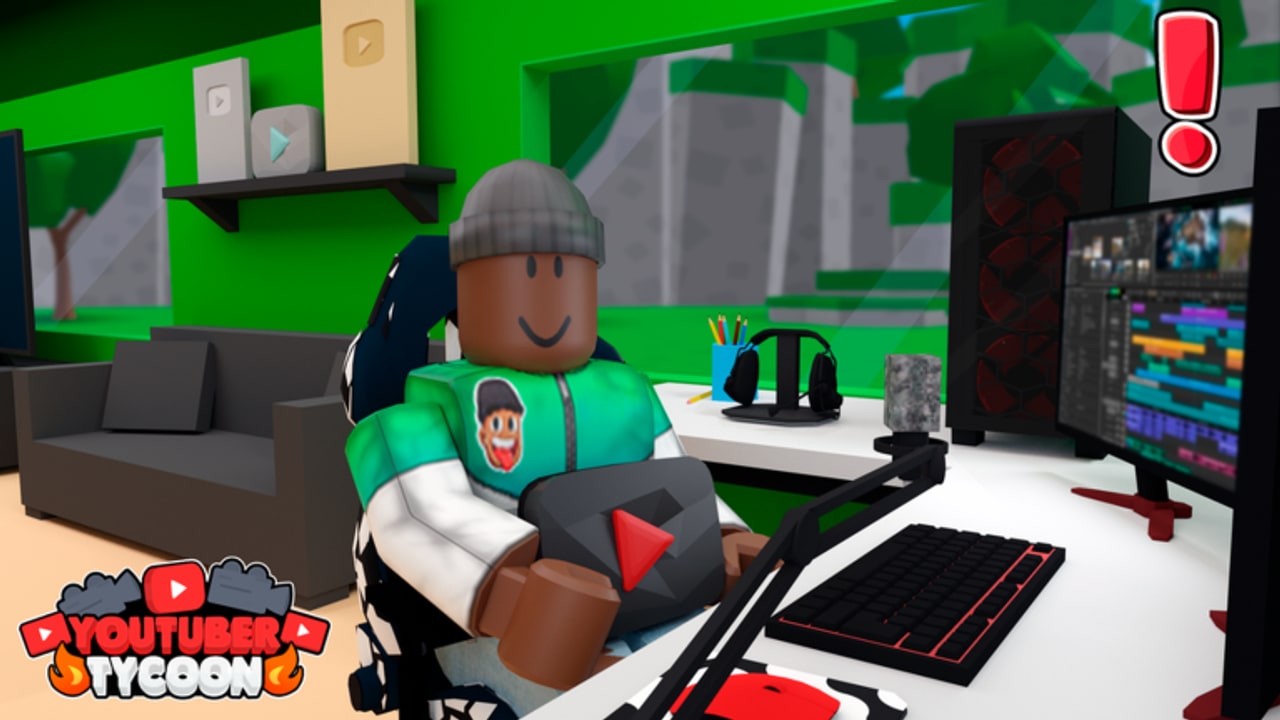
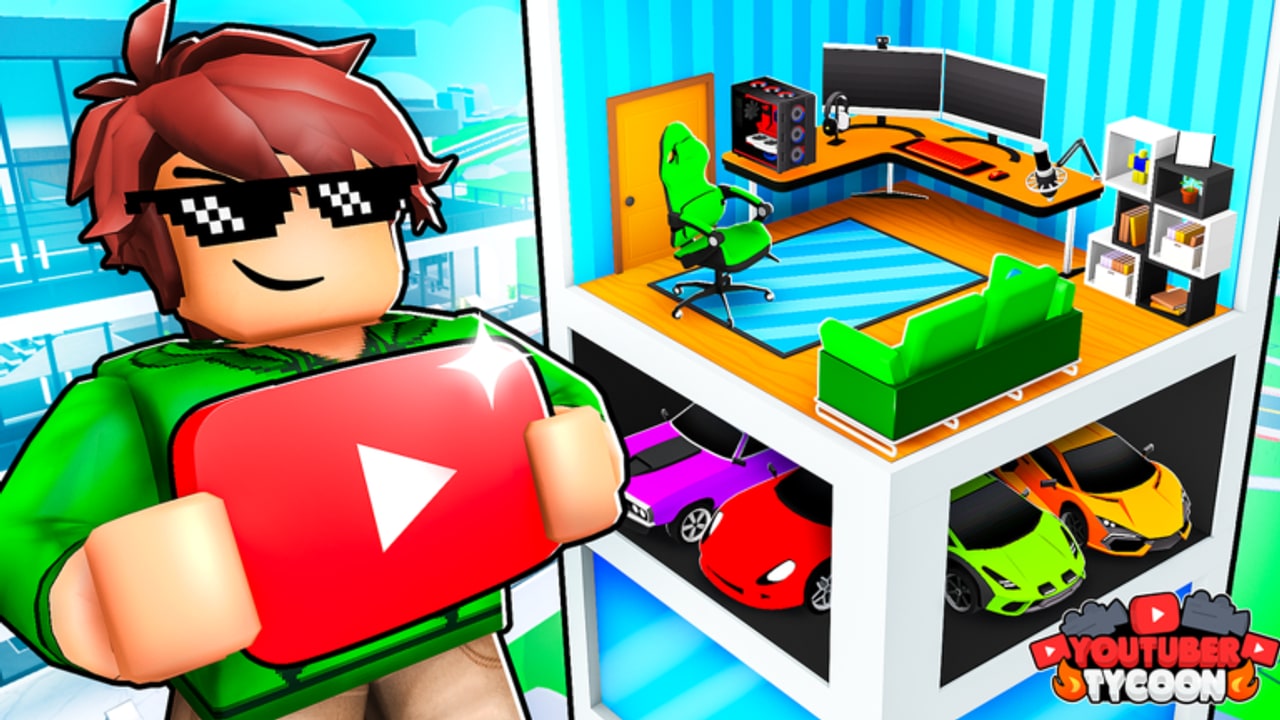
Youtuber Tycoon is a Roblox simulation by Shiny Pixels. You claim a plot, record videos around the redesigned map, and reinvest views into better studios, weapons, and vehicles. Start with the beginner guide, check codes, then rank YouTubers and weapons. The experience was rebuilt from the ground up, so old dropper saves no longer load — read the full remake before you grind.
Youtuber Tycoon codes in Nov 2026: no working promo codes, scam warnings, and real ways to earn cash on Roblox.
View all CodesYoutuber Tycoon guides for Roblox: first session, map pads, vehicles, stuck fixes, arcade boosts, growth, and plot defense.
View all GuidesYoutuber Tycoon tier lists for Roblox: YouTuber kits, Weapons Revamp loadouts, and the upgrade order that actually raises views.
View all Tier ListYoutuber Tycoon players hub: creator kits, selection UI, and how YouTuber picks interact with recording and weapons.
View all PlayersYoutuber Tycoon updates: full remake, Weapons Revamp, events, mansion windows, and Shiny Pixels roadmap notes.
View all UpdatesYoutuber Tycoon scripts for Roblox: auto edit, money multiplier, executor setup, and the risks before you inject a loadstring.
View all ScriptsOfficial Youtuber Tycoon links: Roblox experience, Shiny Pixels group, and wiki hubs for codes, guides, and the remake.
View all LinksJoin Youtuber Tycoon on Roblox, pick a free plot, and finish the in-game tutorial before you start recording. The getting started page covers the first ten minutes.
Each recording point has a cooldown. Walk a loop across the redesigned map instead of camping one pad. See how to record and the map guide for a simple route.
Views pay for the next camera, PC, and content type. Decor is optional. Use the upgrade order and channel growth pages before you buy walls.
Servers hold eight players and raids still happen after the Weapons Revamp. Read how to protect and rank weapons before you leave a collector running.
Play live events (arcade boost, vampire sword, mansion windows) when those tiles are on. There are no working promo codes as of November 2026. If you still want automation, open the scripts hub and Rip Hub, then follow executor setup.
Quick answers for Youtuber Tycoon on Roblox.
Read the Getting Started guide, then rotate filming spots from how to record and check whether any codes are live.
No official working codes are listed as of November 2026. Sites posting CREATORBOOST-style strings are not backed by Shiny Pixels. Use recording, the Shiny Pixels group, and live events instead — see free rewards.
See the events hub, the mansion update page, and the arcade guide. Confirm every tile in-client before you rearrange the shop.
Shiny Pixels rebuilt the game from the ground up. Old dropper-and-conveyor data cannot load on the new map. The full remake page explains what changed.
English, French, German, Spanish, and Brazilian Portuguese. Use the two-letter language button in the header to switch.
No. This is a fan-made Youtuber Tycoon wiki. Confirm announcements on the Roblox experience and the Shiny Pixels group.
Yes. Servers hold eight players, so you can record together and still defend against raids. It is online multiplayer, not split-screen. See how to protect if you share a server with strangers.
Claim a plot, rotate filming spots, and spend cash on the upgrades that actually raise views. Start with the beginner guide or jump to codes and the YouTuber tier list.
Start with the beginner guide